Creating the intuitive Interaction in VR
neuroscience backed-gesture supported-UI
Lets start by examining what conditions would need to be meet to generate a feel that the world of VR experience is believable and real.
Pillars of VR
- accepting and believing in immersion
- this is a mix of technological achievement ( no detectable lag, orientable space*, directional audio..)
- having presence and agency
- affecting the world around you ( moving objects, diverting objects by your presence…)
- tuning into social cues of your new world ( this is still under development, but being trained in social interaction for the world will increase believability)
Most VR developers are aware that idiosyncratic world outside of VR provide no singular direction for intuitive interaction systems. Some even resort in creating additional “screens” that house UI elements. But most of them are concerned that the learning curve for novice can be steep and that complexity of interaction can push off new users.
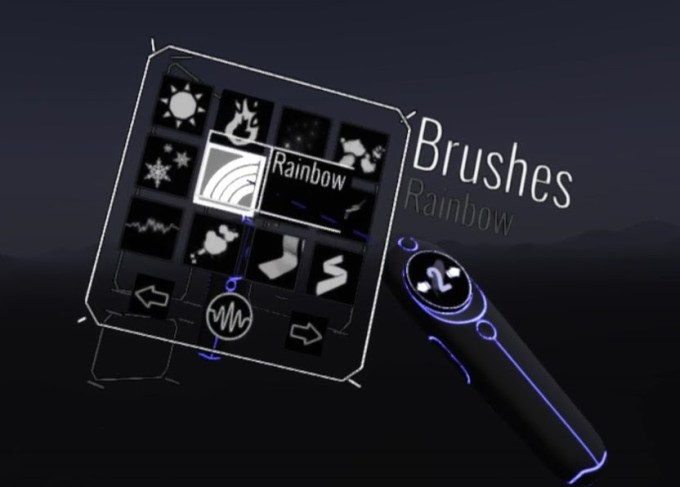
example of TiltBrush screen
How can we bring in some more intuitive interactions?
Most likely it is not a single step, but engaging gaze and NLP ( natural language processing) could help. However, building on real world gestating can reduce learning time.
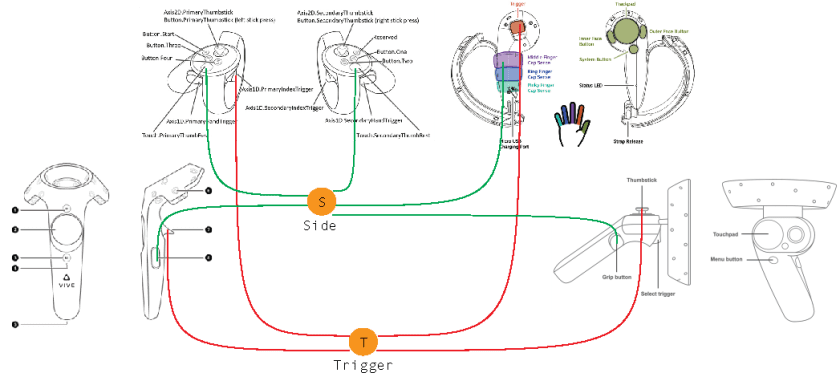
Developers are aware that there should ne an intro to a game where in form of a mini game all the major UI are instructed to the user. I’ll give you an example of UI commend that was dealing sit the sizing ( making bigger or smaller) of objects.
Minigame scenario:
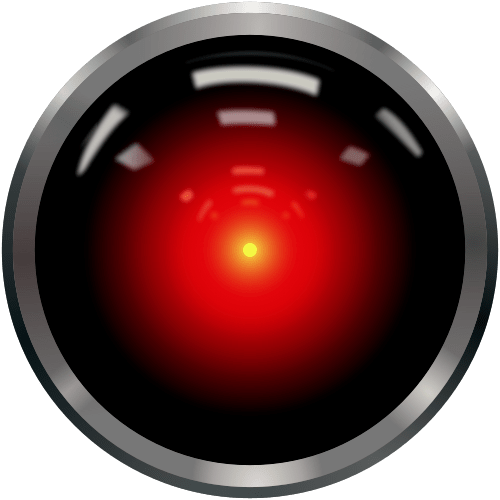
An AI in the form of Hall 9000 ( blinking light and voice over) is instructing user for
Left controller moving fast to the side (angular velocity over 50cm/per sec)
step 1
AI acknowledges your presence:
Voice over:
I see, you arrived…Welcome … We will begin our training for the mission…
( the mission is explained … bla, bla..) lets begin: show me a body sign for something big..
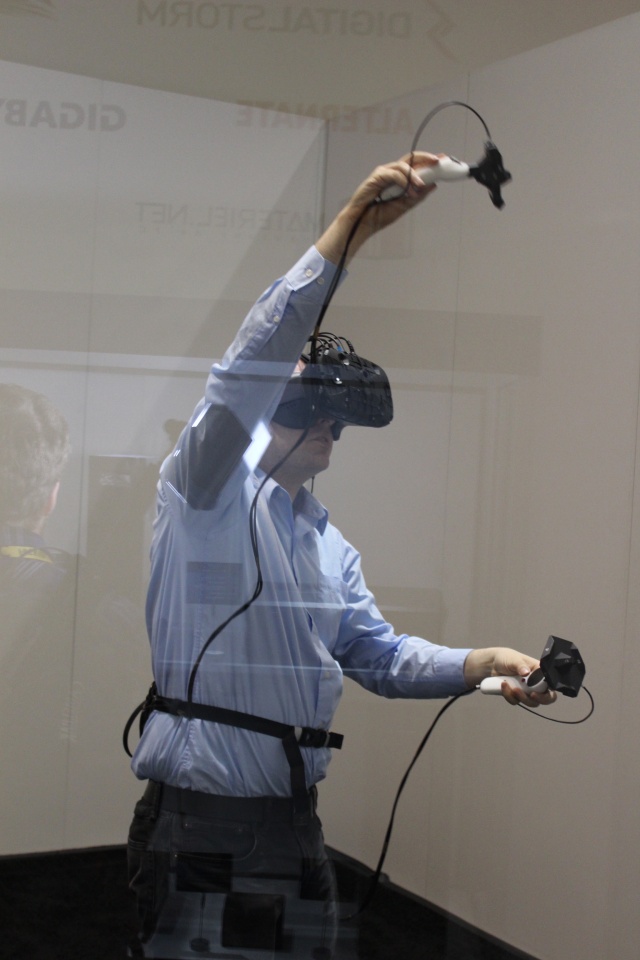
at this point user usually spreads their arms (as far as they can)

After procedurally checking if controller distance is larger then 30 cm
Very good… now show me small…

now show me small to big… faster.. faster.. ok lets try this.. just your left hand, same motion..
at this point a user has understood how command for bigger has been derived… mission accomplished, thank you very much….
step 2
an object appears in front of the user and AI encourages user to scale it up to the size, after confirmation of success a reverse is introduced: holding a side key to make it smaller.. end of introduction
Houston we have a take off..


1 Comment